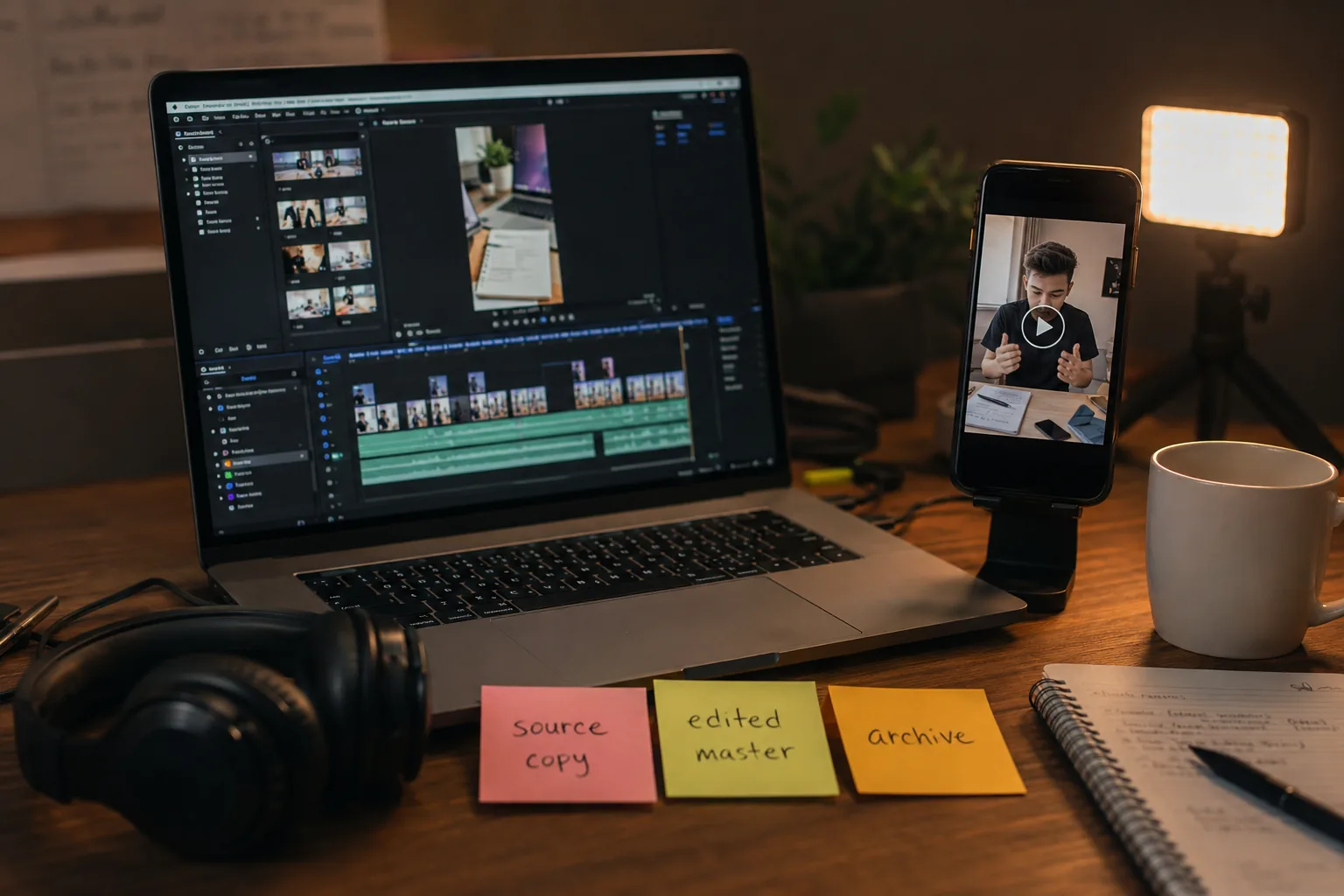
How Creators Can Archive Their Own Short-Form Videos
Reviewed under the VidMedia.Live Editorial Policy. This guide is for lawful personal, educational, or professional use and does not replace legal advice.
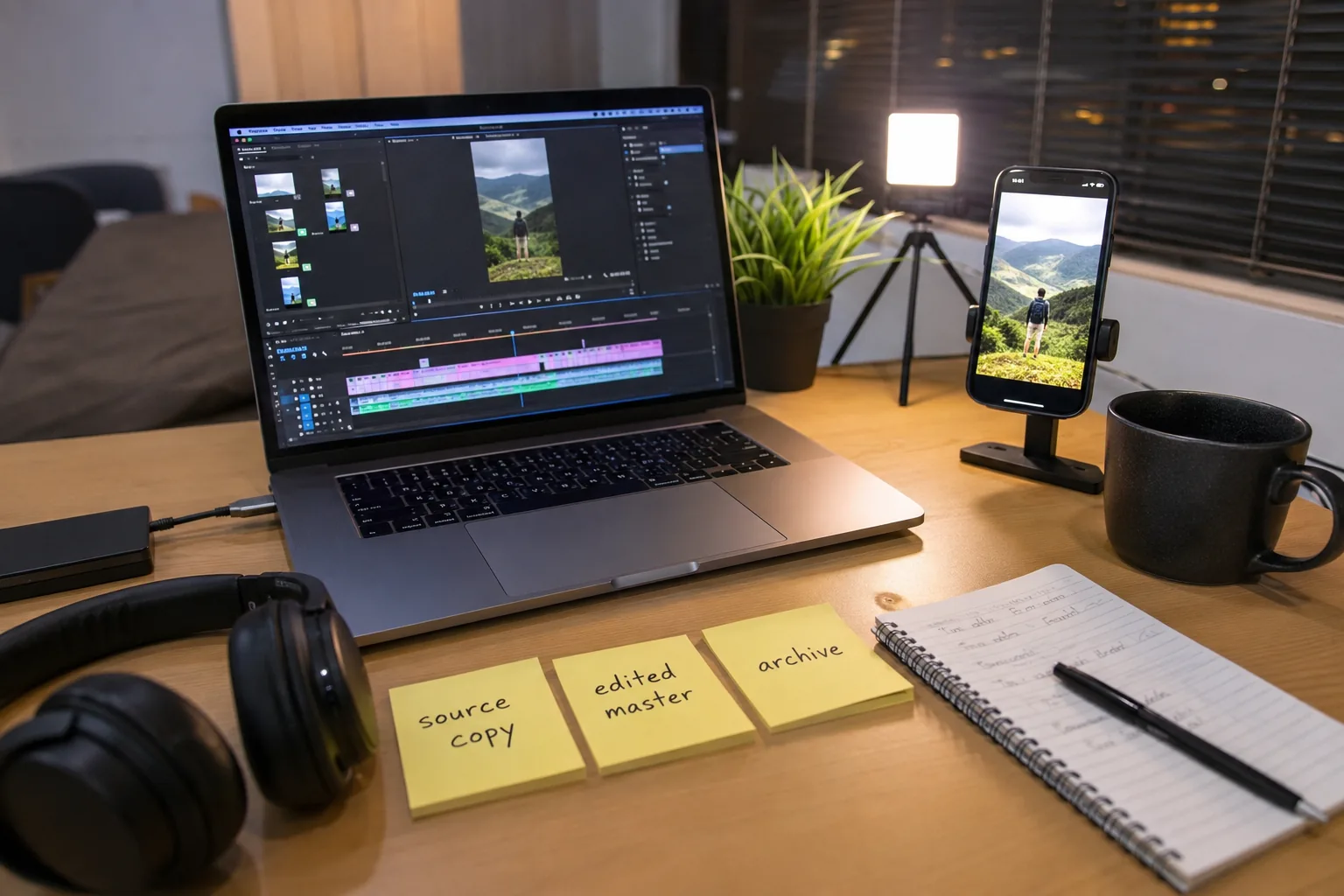
Clean repost preparation
For creators republishing their own short-form videos, keep a clean original and a platform-specific export.
| Keep | Original file, edited master, and final platform export. |
|---|---|
| Avoid | Removing branding from content that is not yours. |
| Best practice | Store caption text and publishing date beside the video file. |
Why Your Own Downloaded Videos Show Up With a Watermark
If you've ever saved one of your own short-form videos and noticed your username stamped across it, that's not an accident. Most short-form platforms add this kind of overlay deliberately, so that whenever the clip circulates elsewhere, it still points back to both the creator and the app it came from. It's a branding move more than anything, and honestly it works, since half the videos floating around other platforms still carry that same recognizable badge.
The problem is that it looks a little unprofessional if you're trying to repost your own content on a different platform. Viewers notice the competing app's logo, and it can undercut whatever branding you're trying to build elsewhere. The good news is there are legitimate ways to get clean copies of your own uploads, and none of them require anything sketchy.
The Built-in Save Option, and Its Limits
Most of these apps have a straightforward save button in the share menu. For your own posts, tapping it drops a copy straight into your camera roll. But that copy comes with the source watermark baked in, and it's usually more compressed than what you originally uploaded, since the platform re-encodes it specifically for this kind of quick download. It's fine for casual personal use, but not great if you actually want to repurpose the footage somewhere else.
Creator Tools Are Usually the Better Route
If you post regularly, check whether the platform has a creator or business dashboard. These typically unlock features regular accounts don't get, including the ability to pull your original uploaded files, the ones you submitted before any platform-side processing, watermarking, or compression happened.
These originals are worth having. They're the actual files you uploaded from your device, before the platform touched them, so they represent the best quality version that exists anywhere on that platform's servers.
Finding the Option
Open your profile, tap into settings or creator tools depending on the app, and look for something along the lines of "download your videos" or "manage content." If it's not there, check the account privacy settings for a general data export request instead, it usually includes original files too, though it can take a while to generate depending on how much you've posted.
Why This Actually Matters for Cross-Platform Posting
A lot of creators spread the same content across two or three platforms as part of a normal content strategy. Reposting a video that still carries another app's branding looks out of place, and some platforms have been known to quietly deprioritize content with competing watermarks in the frame. Working from your original, unbranded files keeps everything looking clean no matter where it ends up, and it gives you more flexibility if you ever want to re-edit or repurpose the footage into something longer.
A Note on What This Guide Doesn't Cover
All of this applies specifically to your own content, the stuff you shot, edited, and uploaded yourself. Downloading someone else's videos without permission is an entirely different situation with real legal consequences, and most platforms explicitly prohibit it in their terms of service. The U.S. Copyright Office's Compendium covers how these protections work in more formal detail if you want to understand the underlying legal framework, and it's worth reading if content ownership is a regular part of your work. Respect other creators' rights the same way you'd want yours respected, and stick to official, creator-facing tools when it comes to your own uploads.
If you want a simple browser-based way to save your own publicly available videos, VidMedia.Live works well for that, just remember it's meant for content you own or have clear permission to save.
Use this workflow responsibly
The safest workflow is narrow: save your own uploads, official exports, public domain material, or media where the rights holder clearly allows saving.
Before
Confirm the content is yours or that you have permission to keep a copy.
During
Use official export tools first when they are available.
After
Rename the file, store the source URL, and avoid reposting other people's work without permission.
About this guide
VidMedia.Live publishes practical media guides for creators, educators, and users who need to save content they own, have permission to use, or can lawfully keep under an open license.