 VidMedia
A cleaner way to save supported videos before you need them offline.
You are about to board a flight. The connection will disappear in a few minutes, but there is one tutorial you still want to finish. Saving it beforehand means the video is ready when the internet is not.
Why offline access still matters
Online video is convenient until the connection becomes the weak point. Commutes, travel, limited data plans, and crowded networks all make streaming less predictable.
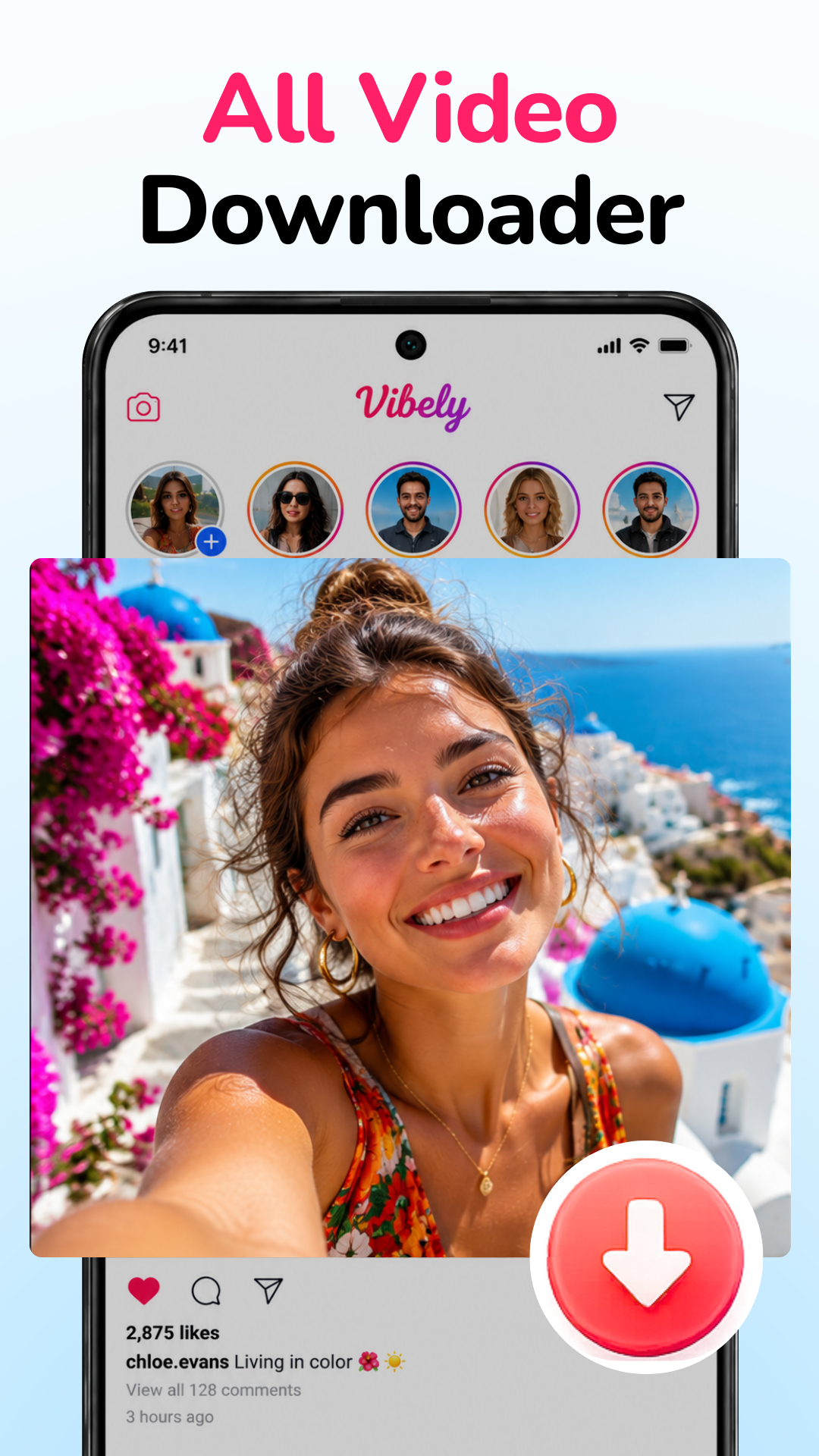
People do not always need a complex media tool. Often, they need a straightforward Android video downloader that helps them save supported videos, choose a reasonable quality, and find the file later.
Download from Google Play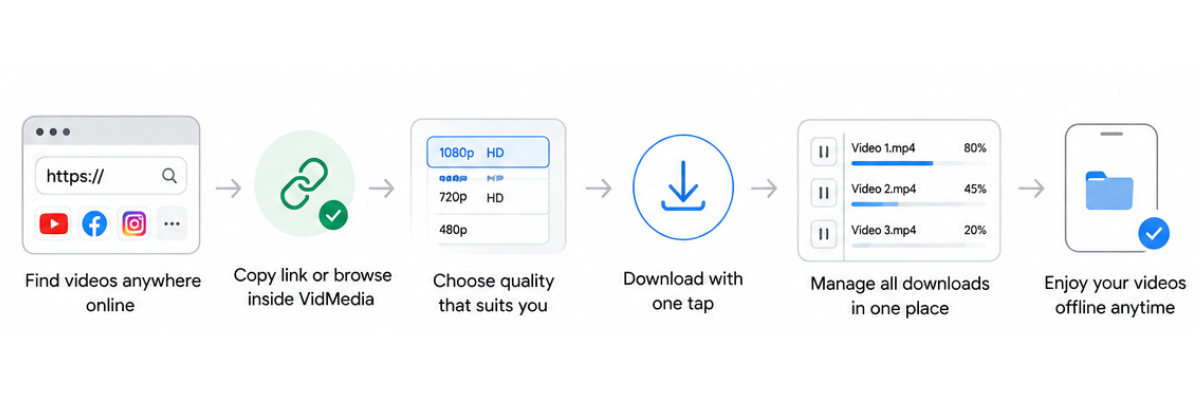
Solution
VidMedia focuses on the common parts of offline video viewing: finding supported videos, detecting links, choosing available quality, and managing downloads after they finish.
The experience stays intentionally simple. It is meant to help users prepare for offline viewing without turning the process into a separate project.
Feature highlights
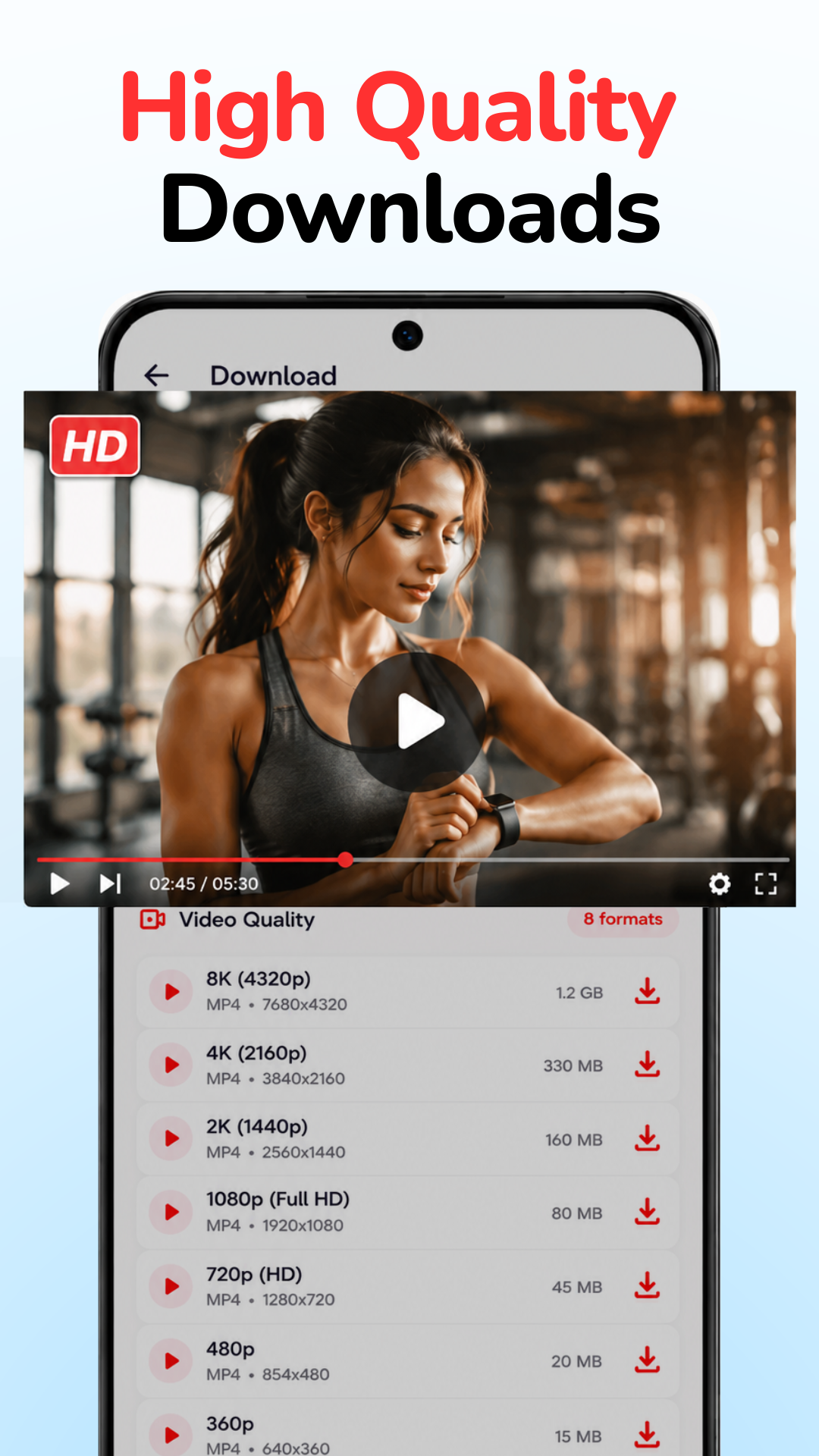
HD downloads
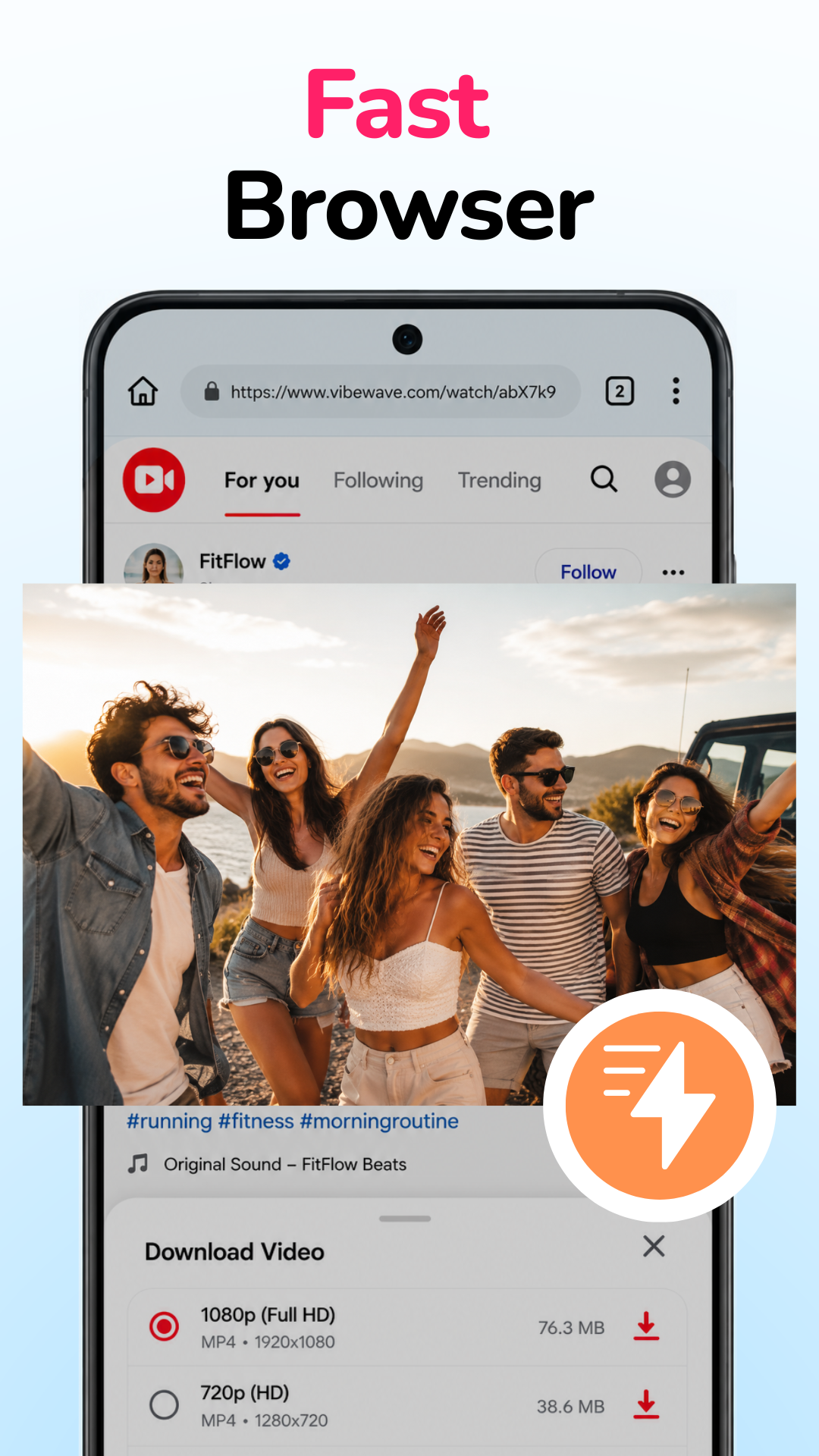
Select from available resolutions before saving supported videos.
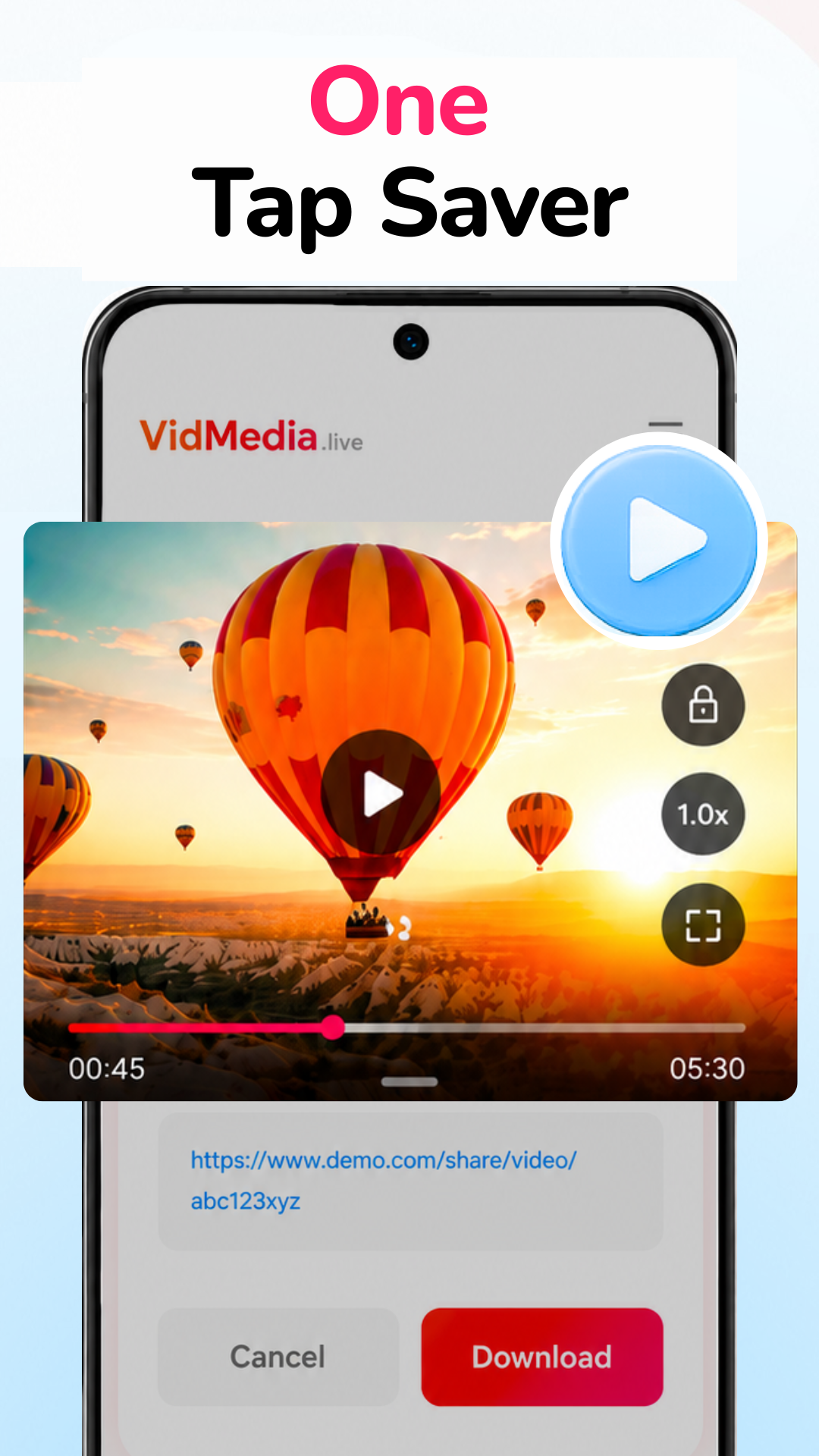
One tap detection
Recognize supported links with fewer manual steps.
Built-in browser
Browse supported websites without constant app switching.
Download manager
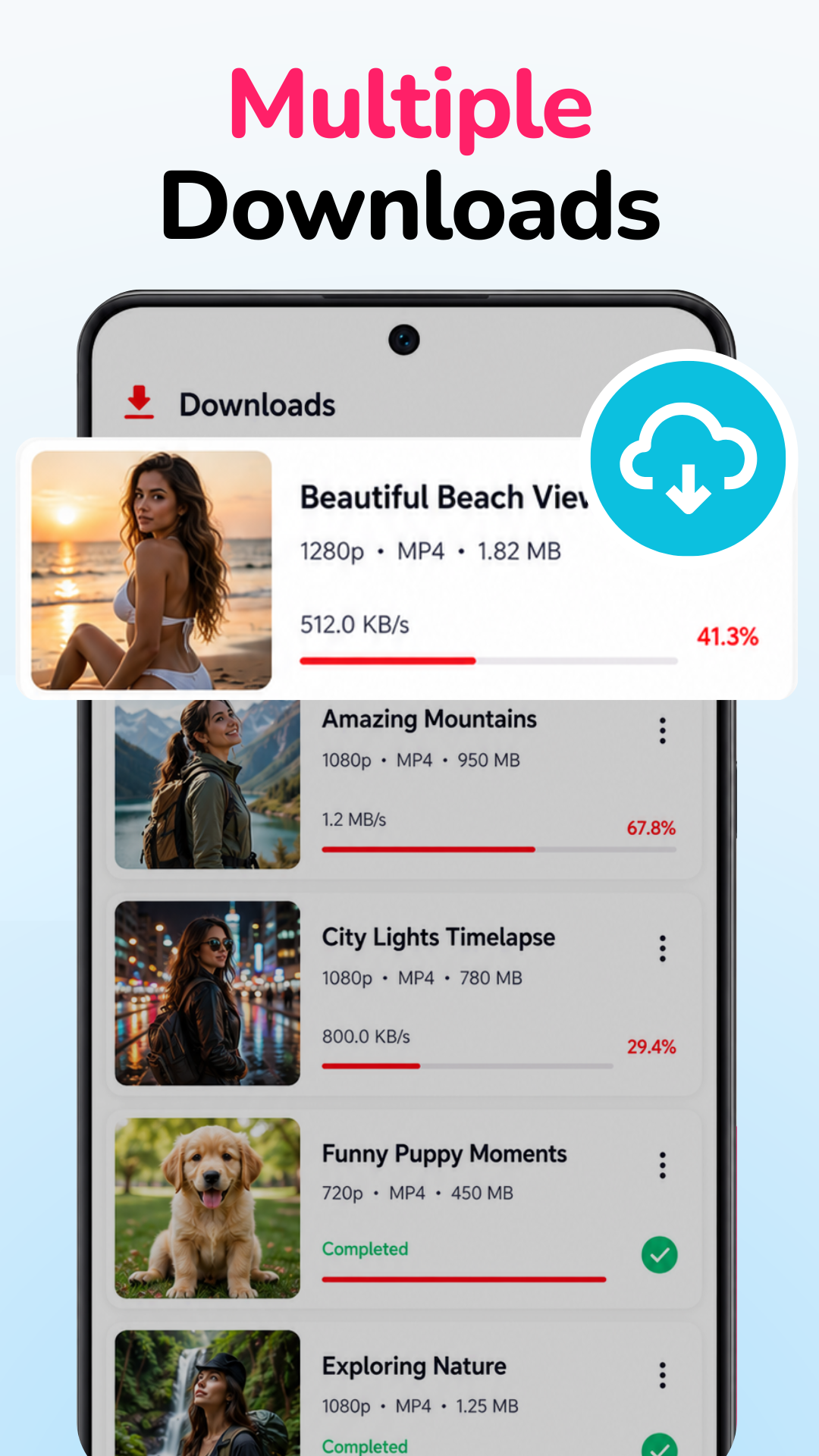
Track active and completed downloads in one place.
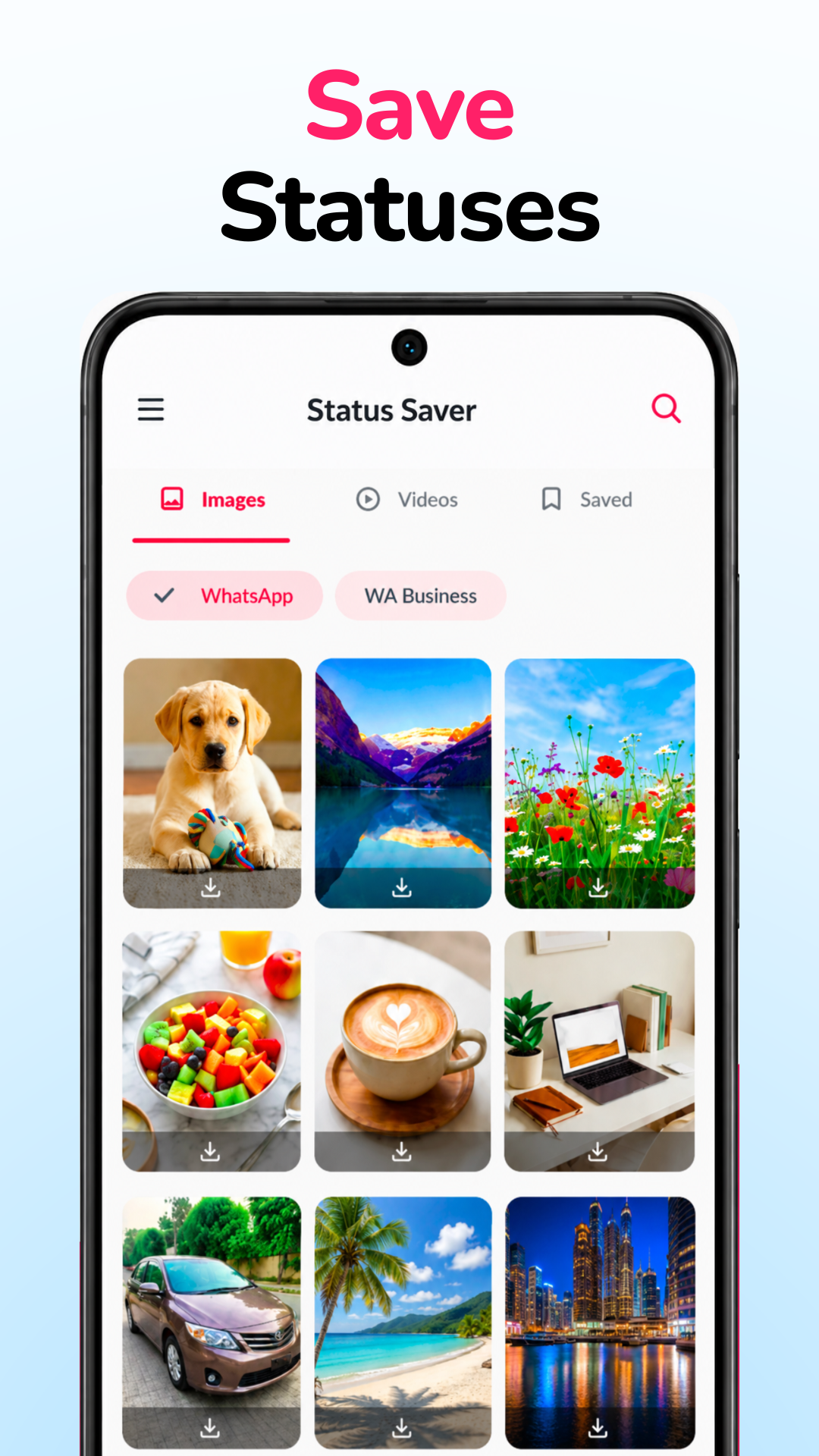
VidMedia screenshots
Practical benefits
VidMedia is useful when people want to prepare ahead: saving a tutorial before travel, keeping a reference video for a job, or collecting learning material before mobile data becomes expensive or unreliable.
A good offline workflow feels ordinary: save the supported video, know where it is, and watch it when the connection is no longer part of the plan.
Frequently asked questions
What does VidMedia do?
VidMedia helps Android users save supported videos for offline viewing while providing tools to browse content, choose available download quality, and manage downloads in one place.
Can I choose the download quality?
When supported by the source, VidMedia lets you choose from the available video resolutions before downloading.
Does VidMedia include a download manager?
Yes. The app includes a download manager that helps keep active and completed downloads organized.
Why use a dedicated video downloader?
A dedicated downloader brings browsing, downloading, and download management together, making it easier to keep videos available for offline viewing.
Ready to keep important videos available offline?
Download VidMedia from Google Play and manage supported video downloads with a clean, organized interface.