 VidMedia
Copying a video link should not become the hardest part of saving it.
You find a useful clip while checking messages. Then comes the usual routine: copy the link, switch apps, paste it, check the result, and choose what to do next. The content was simple; the workflow became the interruption.
Where the download flow usually slows down
Android users often discover videos inside browsers, chat apps, and social feeds. Repeating the same copy-paste sequence every time makes downloading feel slower than it needs to be.
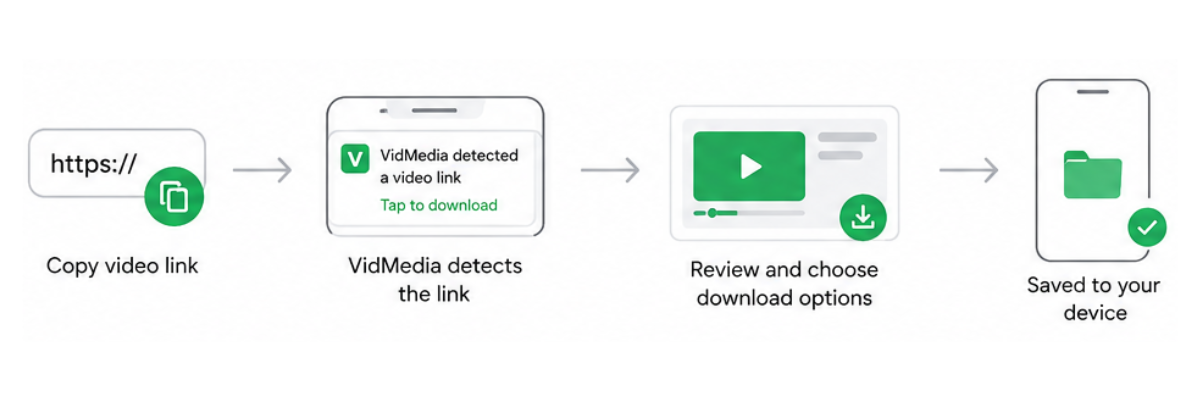
One tap link detection is useful because it shortens that path. When a supported link is recognized, the user can move directly toward download options instead of managing the clipboard manually.
- Recognize supported links.
- Reduce repeated copying and pasting.
- Move quickly to quality selection.
Solution
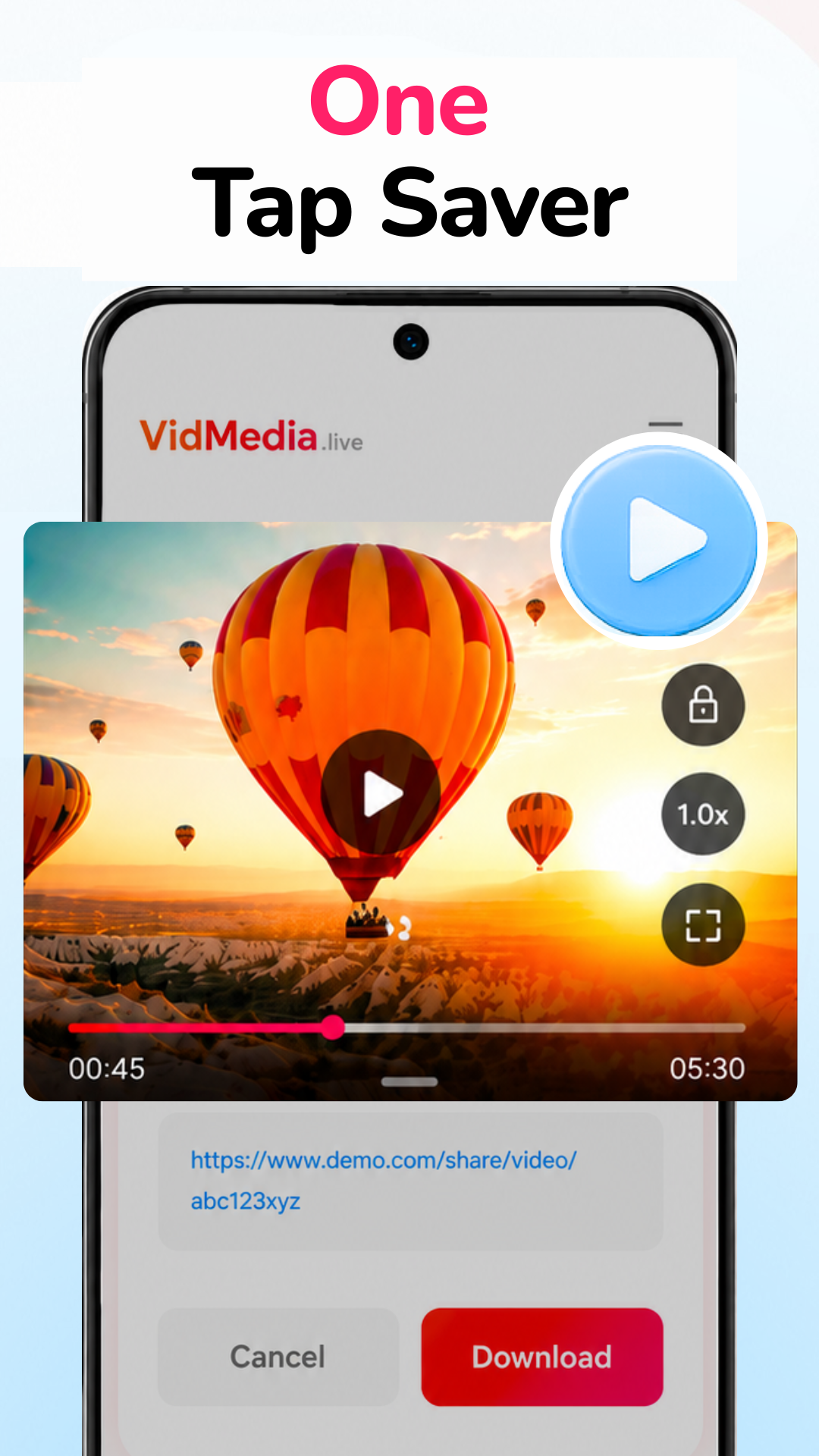
VidMedia's one tap download flow is designed for ordinary browsing habits. Users can copy a supported link, let the app detect it, choose an available quality, and save the video for offline viewing.
The feature is not about adding more interface. It is about removing a step that repeats too often.
Feature highlights
Link detection
Recognizes supported video links and prepares download choices.
HD downloads
Choose from available resolutions where supported.
Download manager
Track saved and active downloads from one screen.
Practical benefits
The advantage is less context switching. A cleaner Android video downloader helps users save supported videos while they are already browsing, then return to what they were doing.
A useful shortcut is not loud. It simply removes the small delay users notice every day.
Frequently asked questions
How does one-tap link detection work?
When you copy a supported video link, VidMedia can recognize it and prepare it for downloading with fewer manual steps.
Do I still need to paste every link?
The app is designed to simplify the process by detecting supported copied links whenever possible.
Does this make downloading faster?
It reduces the number of steps needed before starting a download, making the overall workflow more convenient.
Is the feature easy for beginners?
Yes. The goal is to keep downloading straightforward without requiring complicated settings.
Ready to keep important videos available offline?
Download VidMedia from Google Play and manage supported video downloads with a clean, organized interface.